Microsoft Intune Health Assessment
See what is working in Intune. Find what is not.
Fixing the gaps is a project. Keeping them fixed is the job. This tells you what the project is, and what it takes to stop it coming back.
Get a tailored assessment of your Microsoft Intune configuration, security posture, device estate and application landscape.
You will receive a clear view of where your environment stands today, where risk and configuration drift may be accumulating, and which actions should come next.
Read-only PowerShell collector · CIS Benchmark for Microsoft Intune (Windows) v4.0.0 Level 1 · 351 controls assessed · No tenant access granted · No agent installed
Your assessment will help you:
- Understand the health of your Intune environment.
- Identify configuration, compliance and security gaps.
- Prioritize the actions that will have the greatest impact.
Complete the form and a Devicie specialist will contact you to explain the read-only assessment process and help you get started.

What you will receive
A clearer picture of your Intune environment
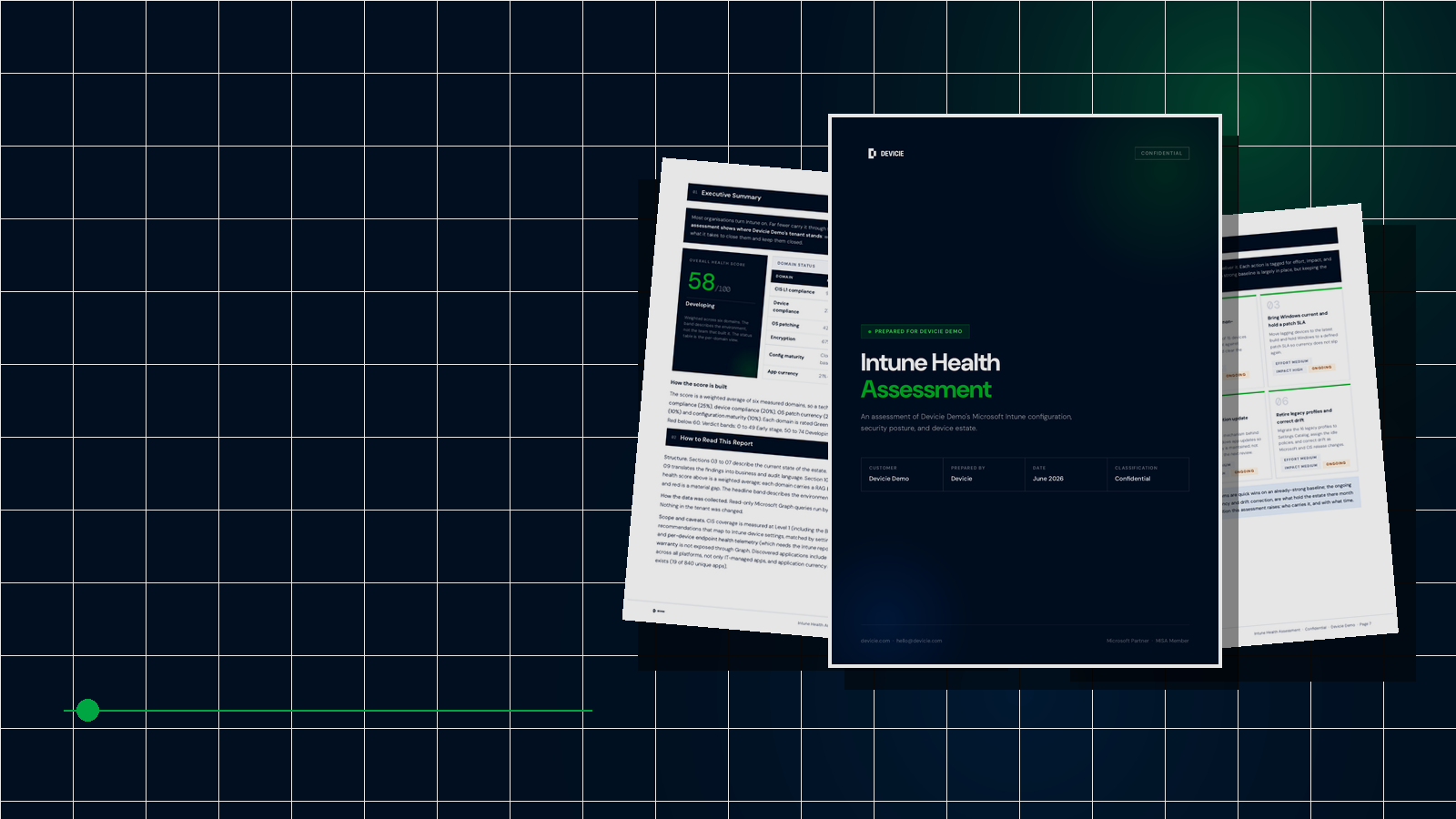
The Intune Health Assessment turns configuration and device data into an actionable view of your environment. Rather than giving you another raw export or list of settings, it shows what is working, where material gaps exist and what it will take to address them.
Overall health score
See a weighted view of your environment across key operational and security domains.
Configuration and security findings
Understand your Intune configuration, CIS Level 1 coverage, enrollment approach, security baselines and policy maturity.
Device and operational health
Review device compliance, operating system patch currency, encryption coverage and active device status.
Application visibility
Identify outdated applications, version gaps and areas where unmanaged software may be creating exposure.
Prioritized actions
Receive a practical remediation plan showing the relative effort, impact and ongoing nature of each recommended action.
Business-ready risk summary
Translate technical findings into language that leadership, auditors and security stakeholders can act on.
.png)
HOW IT WORKS
From request to actionable report
01
Speak with a Devicie specialist
After you submit the form, we will confirm your objectives, environment and assessment scope.
02
Run the read-only collector
We send you a PowerShell script. You run it in your environment, which takes about 20 minutes, and send the results back in a password-protected archive. Nothing in your tenant is changed, no agent is installed, and you do not grant Devicie access to your tenant.
Because it is a script you can read before you run it, it usually avoids the NDA, infosec review and access-approval queue that a tenant-connected assessment needs.
03
Receive your tailored assessment
We analyse the findings and prepare a report covering your current state, priority gaps, business risk and recommended next steps.
04
Decide how to act
Use the report as an internal action plan, or work with Devicie to address the gaps and maintain your environment over time.
The review itself takes 30 to 60 minutes, whenever suits you.
Secure by design
Your tenant stays yours
The assessment is designed to give you visibility without disrupting your environment. Collection is read-only, nothing in your tenant is changed, and your report is prepared specifically for your organisation.
- A PowerShell script you can read before you run it
- No agent installed, no configuration changed, no tenant access granted
- No personally identifiable information collected. Your company name is attached to the report, no employee detail is
- Confidential assessment report, prepared for your organisation only
- Delivered by a Microsoft Partner and MISA member
And what it does not cover
Entra Conditional Access, per-device endpoint health telemetry and device warranty data sit outside the assessment. Where a collection call returns partial data, the report marks it rather than filling the gap with an estimate.
Fixing the gaps is a project.
Keeping them fixed is the job.
The findings are what your estate looks like today. Left alone, it looks like this again in six months. Configuration drifts, applications fall behind, and new devices arrive outside the baseline.
Without Devicie
You have a prioritised list and a project. Someone owns it, closes it, and runs the exercise again next year.
With Devicie
The baseline is deployed and then held. Drift is detected and remediated continuously, applications are kept current from a maintained catalog, and new devices arrive already compliant.
The report is yours either way.